
Your site is up to date, the passwords are long, the plugins are few and well chosen. One morning it will not open: Google flags it as dangerous, and inside the files there is code you did not write.
You did nothing wrong. It came in somewhere else.
What cross-contamination is
On shared hosting your site is not alone on the machine. Beside it sit others, belonging to companies you have never heard of, run to standards you do not control.
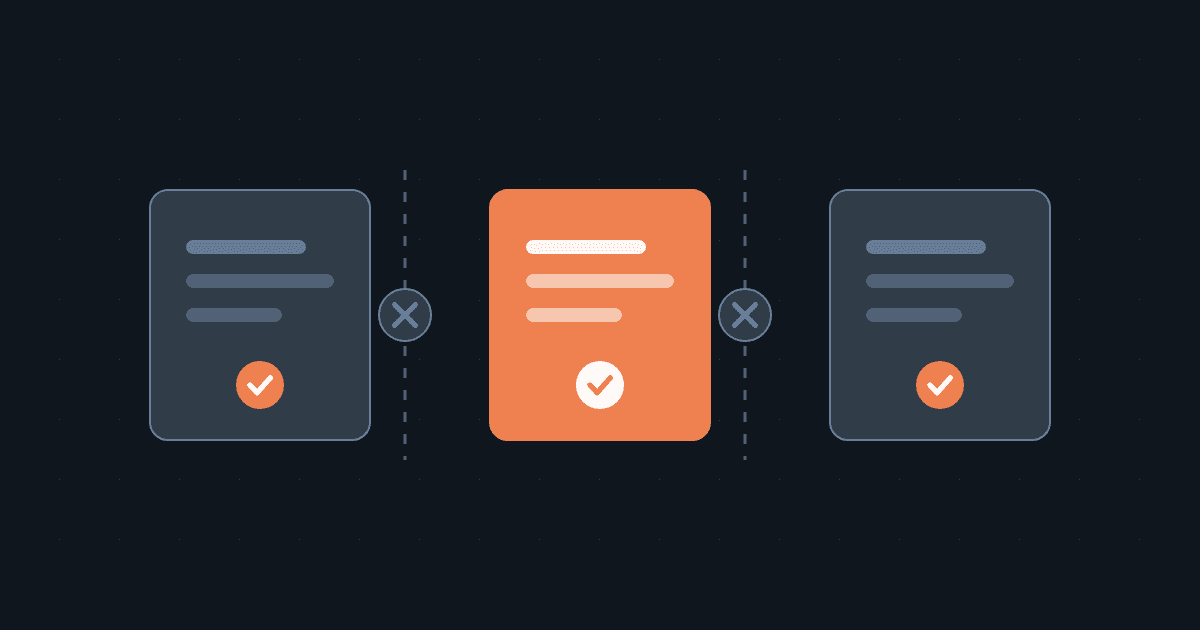
Cross-contamination is what happens when whoever got into one of those sites manages to move across into the rest. The way in is the most neglected site of the lot — a plugin last updated three years ago, a theme downloaded from some random site, a recycled password — and from there the damage spreads to people who had nothing to do with it.
This is why "my site is small, who would bother attacking me" is the wrong question. Nobody needs to target you: it is enough that they target the server you happen to be on, and the bots sweeping the internet do not choose their victims, they find them.
How it travels, in practice
For an infection to cross from one site to another, the two have to share something they should not.
The same system user. If the processes of several sites run under one identity, whoever controls the process of one can read and write the files of the other. That is the most direct route.
Permissions left too open. Folders made writable by anyone during a rushed installation, and never closed again. It happens more often than you would think.
A shared temporary folder. A space everyone can write to makes a convenient place to drop a file and have it executed from another context.
A database account with too many rights. A user that can also read the tables it has no business reading turns a hole in one site into a data leak affecting many.
The human bridge. Often it is not the server at all: it is the agency's computer. FTP credentials saved in an infected program hand over the keys to thirty different sites at once, sites that may well be spread across different hosts.
The signs, before it becomes obvious
You rarely get a warning. What you notice instead:
- new files with meaningless names in system folders, with modification dates that match nothing you did;
- the site slowing down without any rise in traffic;
- outgoing email you never sent, and your domain turning up on a blacklist;
- search results showing, under your name, pages that do not exist on your site;
- different behaviour for visitors arriving from Google than when you open it yourself, which is how the infection stays invisible to the owner.
If even one of these shows up, time matters: the longer it stays, the deeper the recovery has to go.
How the ICBS infrastructure is set up
The real defence is not spotting it early: it is making the jump from one site to the next impossible in the first place.
Resource isolation. We use Linux containers, with KVM and LXD to orchestrate them, fully isolating not just every hosting account on our servers but every instance. That separation removes the first four routes above at the root: if the boundaries are real, there is no "beside" to move into.
Rules applied ahead of the fix. Between the moment a vulnerability becomes public and the moment the update ships, days go by, and those are the days the automated attacks land. When a vulnerability has not been patched yet, we apply a WAF rule straight away that blocks the threat regardless.
Checks and recovery. Plugin vulnerability scanning, continuous monitoring, malware removal, and a full daily backup. Because the serious question is not only "will it happen to me?", but "how long will it take me to get back to normal?".
The questions to ask whoever hosts your site
This applies to us as much as to anyone else. Before you choose, or at your next renewal, ask:
- Are the sites on your servers isolated from each other? How, specifically?
- If a site next to mine is compromised, what stops it reaching mine?
- How often is the backup taken, how long do you keep it, and how fast do you restore?
- What happens between a vulnerability being found and the patch being released?
- If my site gets infected, do you clean it up or is that my problem?
A vague answer to the first one is already an answer.
And one thing stays yours whatever the hosting: keeping the CMS, themes and plugins current, removing the ones you do not use, and not leaving FTP credentials saved on a computer you do not control. Isolation protects you from the neighbour. From the door left open in your own house, it does not.

